Somali Regional State Disaster Risk Management Bureau Statement Regarding Recent Addis Standard Report on Drought in Somali Region
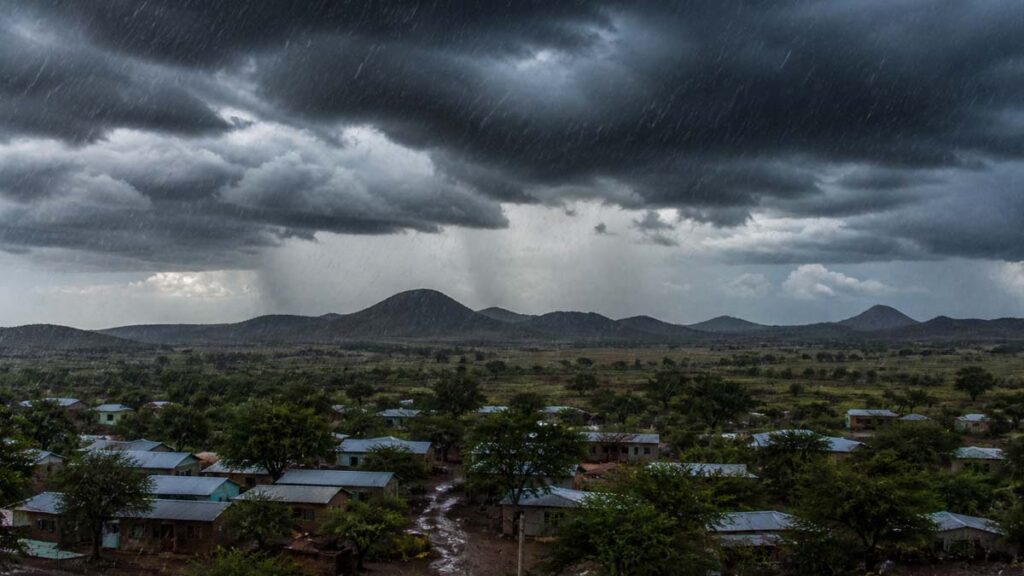
Somali Regional State Disaster Risk Management Bureau Statement Regarding Recent Addis Standard Report on Drought in Somali Region Thursday, 14 May 2026 The Somali Regional State has taken note regarding the report published by Addis Standard claiming that malnutrition, drought, and worsening water shortages are currently escalating across Ethiopia’s Somali Region. The Regional Government has never denied that climate-related vulnerabilities remain an ongoing challenge in some localized areas in Somali Region, particularly in the dry Jilaal season (December to March). The quoted Report may be referring to the challenges of water shortage and other drought-related emergencies that existed before the onset of the Gu (main) rains in late March and early April. Indeed, a joint Assessment by the Regional Health Bureau and Doctors Without Borders was conducted some months back, and appropriate response activities activated at the time. The Somali Region is currently experiencing the Gu rainy season, and many parts of the region are receiving normal to above normal seasonal rainfall, contributing to improved water availability and supporting pastoral and agro-pastoral livelihoods. Thus, claims suggesting region-wide collapse of livelihoods and severe water shortages during the ongoing rainy season are not accurate. The quoted report also does not acknowledge ongoing recovery trends, local resilience, and the efforts undertaken by the Regional Government, communities, and humanitarian partners during the dry spell, and even now as floods replace drought as the main cause of humanitarian emergency in flood-prone riverine areas. We respectfully call upon media institutions and all stakeholders to uphold balanced, evidence-based, and time-sensitive reporting that reflects current realities and avoid the dissemination of misleading or outdated reports.